Authentication
Authenticate requests to the Notra API using API keys.
Notra API requests are authenticated with API keys.
How It Works
curl -H "Authorization: Bearer YOUR_API_KEY" \ "https://api.usenotra.com/v1/posts"const response = await fetch("https://api.usenotra.com/v1/posts", { headers: { Authorization: `Bearer ${process.env.NOTRA_API_KEY}`, },});const data = await response.json();console.log(data);import { Notra } from "@usenotra/sdk";const notra = new Notra({ bearerAuth: process.env["NOTRA_BEARER_AUTH"] ?? "",});const result = await notra.content.listPosts();console.log(result);| Name | Type | Scheme | Environment Variable |
|---|---|---|---|
bearerAuth |
http |
HTTP Bearer | NOTRA_BEARER_AUTH |
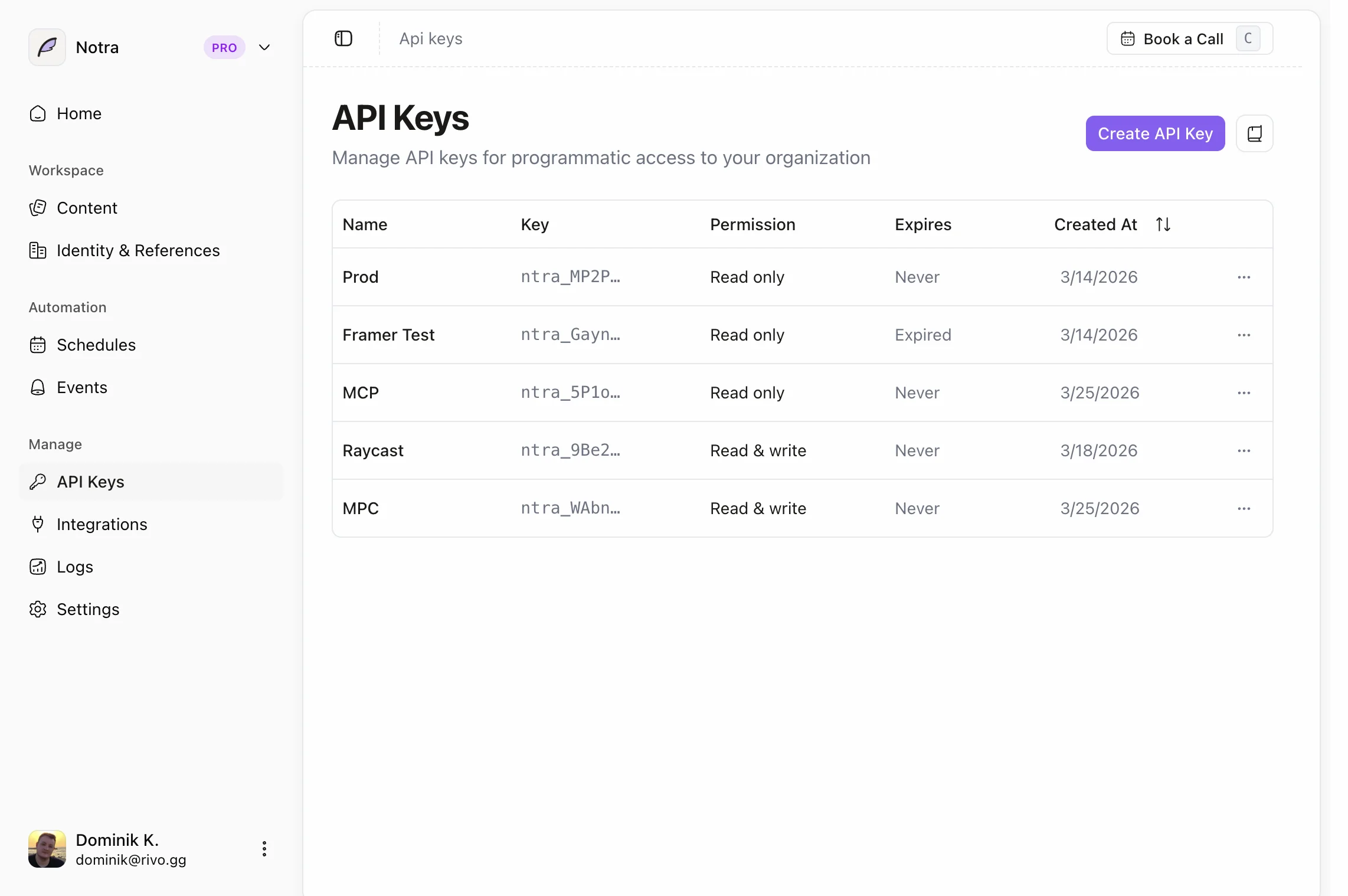
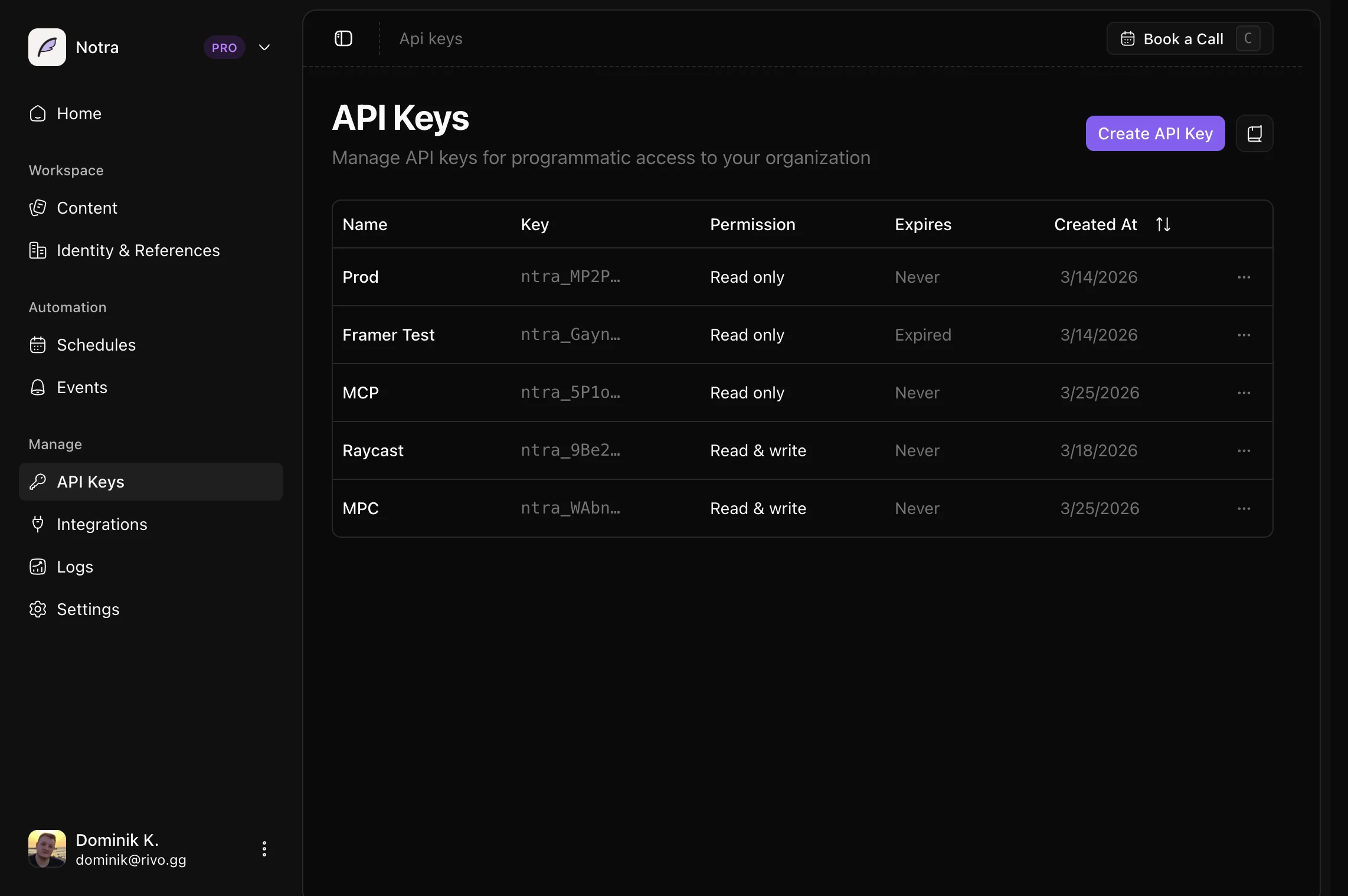
Create an API Key
- Open your workspace dashboard.
- Go to API Keys under Developer.
- Click Create API Key.
- Choose a name, resource permissions, and optional expiration.
- Copy the key and store it securely.
API keys are powered by Unkey.
Permissions
API keys can be scoped per resource. Grant Read when a key only needs to fetch data, Write when it needs to create, update, or delete that resource, and None when the key should not access the resource.
Available resources:
- Posts
- Brand identities
- Integrations
- Schedules
- Chats
- Skills
Legacy keys with the older api.read and api.write permissions continue to
work. New keys use the resource-specific scopes.
Error Handling
const response = await fetch("https://api.usenotra.com/v1/posts", { headers: { Authorization: `Bearer ${process.env.NOTRA_API_KEY}` },});if (!response.ok) { const error = await response.json(); console.error(error.error); // e.g. "Missing or invalid API key"}import { Notra } from "@usenotra/sdk";import * as errors from "@usenotra/sdk/models/errors";const notra = new Notra({ bearerAuth: process.env["NOTRA_BEARER_AUTH"] ?? "",});try { const result = await notra.content.listPosts(); console.log(result);} catch (error) { if (error instanceof errors.NotraError) { console.log(error.message); console.log(error.statusCode); console.log(error.body); }}Security Best Practices
Treat API keys as secrets. Do not expose them in client-side code, public repositories, or logs.
Store your key in a server-side environment variable such as NOTRA_BEARER_AUTH
and make requests from your backend whenever possible.
If a key is exposed, delete it immediately by going to API Keys under the Developer section of your dashboard sidebar.
Hat das auf deinem Setup funktioniert?
Noch nicht bewertet