MCP Server
Connect the Notra MCP server to AI tools using OAuth or API-key bearer authentication, with tools for posts, brand identities, integrations, and schedules.
Notra provides a hosted MCP server at https://mcp.usenotra.com/mcp so AI agents can work with your Notra workspace directly.
With the MCP server connected, an AI agent can manage your brand identity, create content for you, add or remove integrations, and manage scheduled generation without you having to wire everything up by hand.
Authentication
The MCP server accepts bearer credentials in the Authorization header.
OAuth clients, including ChatGPT Apps, can start with the protected resource
metadata endpoint:
https://mcp.usenotra.com/.well-known/oauth-protected-resourceThat metadata advertises the OAuth authorization server, supported scopes, and supported bearer-token method.
Clients that do not support OAuth discovery can use a Notra API key:
Authorization: Bearer YOUR_API_KEYCreate and manage API keys in Authentication.
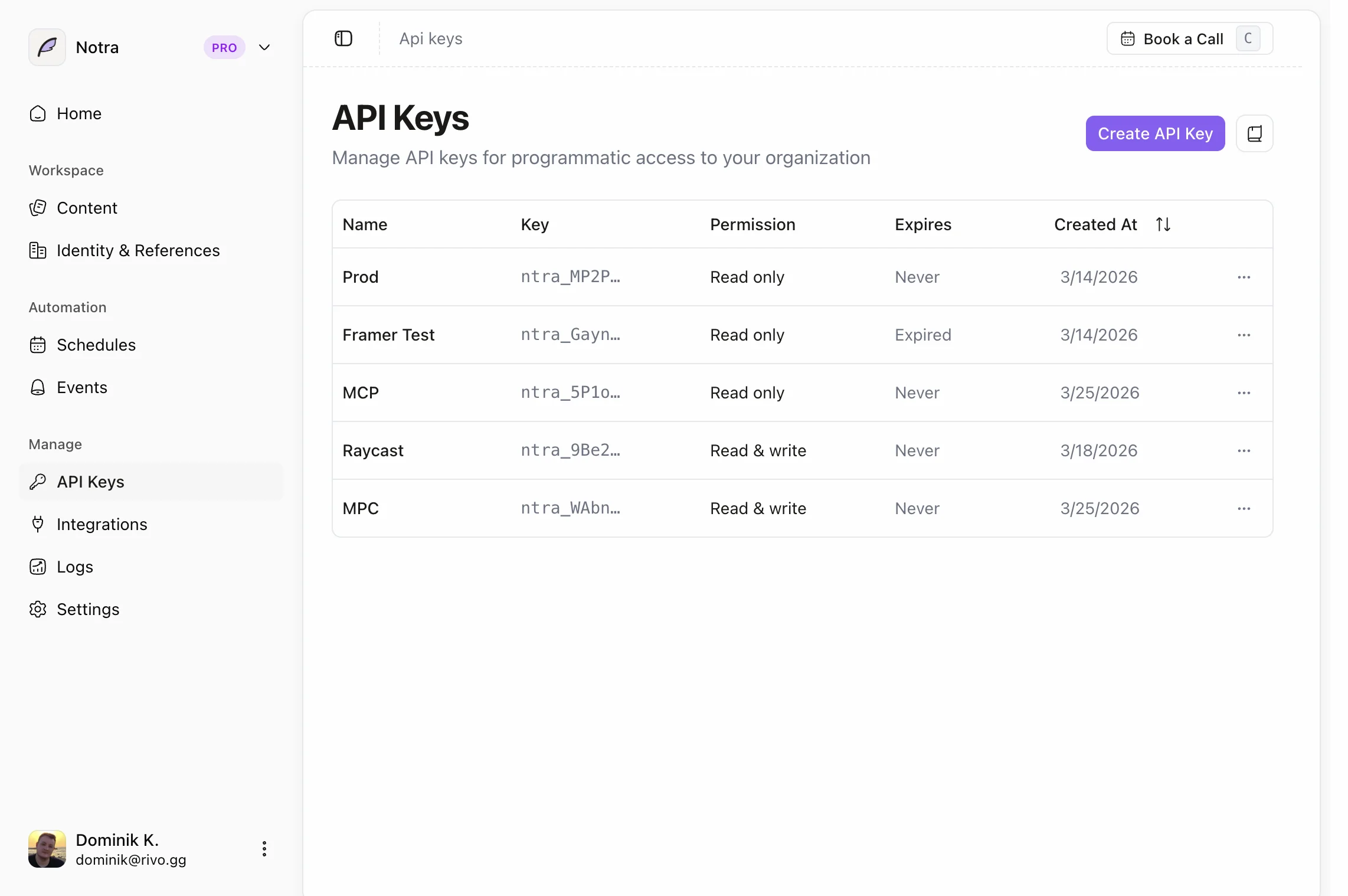
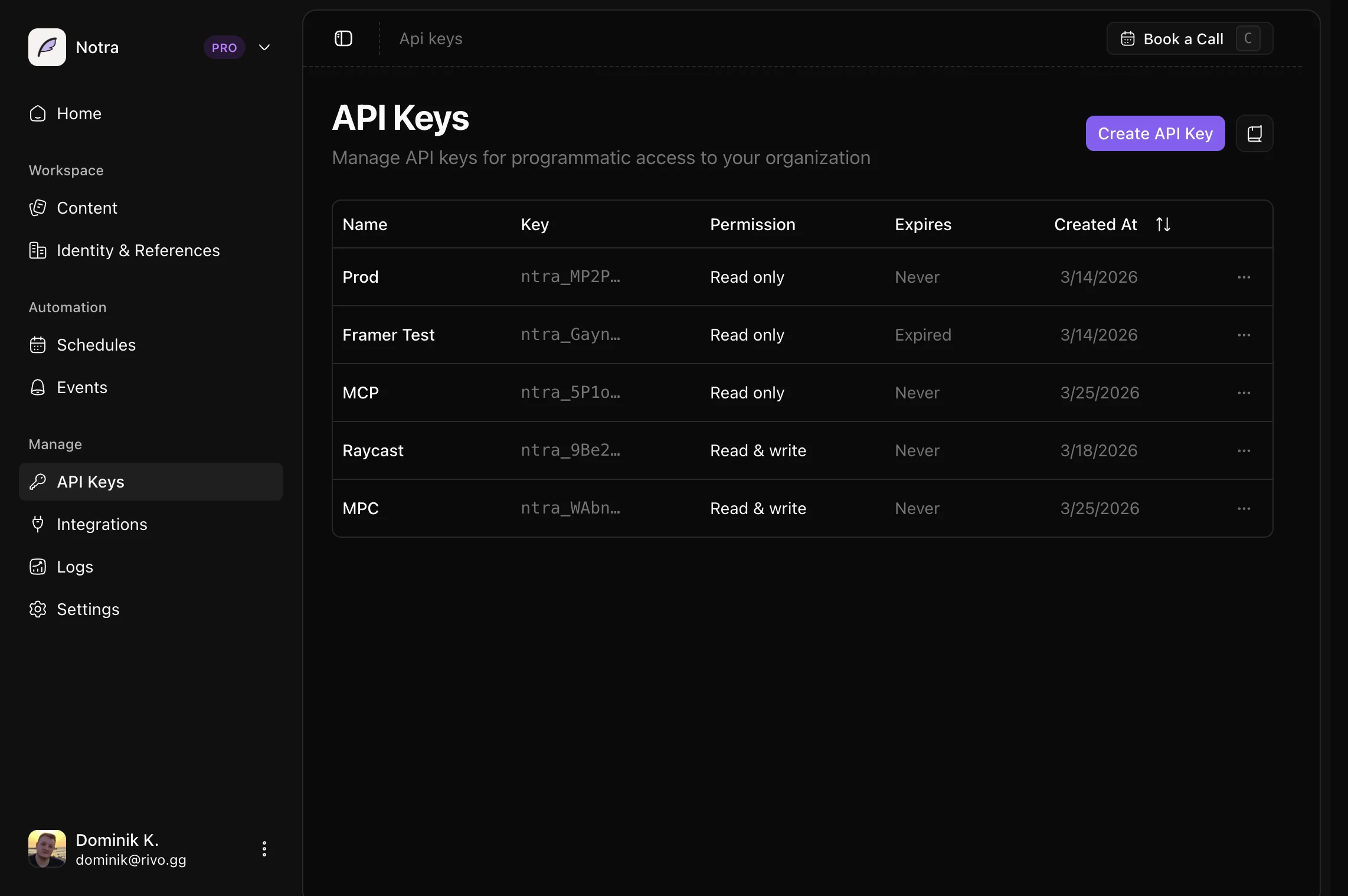
For manual API-key connections, grant read and write access for the resources your MCP client should manage, such as posts, brand identities, integrations, schedules, chats, and skills.
Install
add-mcp (Recommended)
If your client supports add-mcp, you can install the server with a header override:
npx add-mcp https://mcp.usenotra.com/mcp --header "Authorization: Bearer $TOKEN"Set TOKEN to a Notra API key before running the command.
Manual installation
Add something like this to your MCP client config:
"notra": { "type": "remote", "url": "https://mcp.usenotra.com/mcp", "enabled": true, "headers": { "Authorization": "Bearer YOUR_API_KEY" }}"notra": { "url": "https://mcp.usenotra.com/mcp", "headers": { "Authorization": "Bearer YOUR_API_KEY" }}"notra": { "type": "http", "url": "https://mcp.usenotra.com/mcp", "headers": { "Authorization": "Bearer YOUR_API_KEY" }}Available tools
Once installed, the Notra MCP server currently exposes these tools:
Posts
notra_list_postsnotra_get_postnotra_update_postnotra_delete_postnotra_generate_postnotra_get_post_generation_status
Brand identities
notra_list_brand_identitiesnotra_get_brand_identitynotra_update_brand_identitynotra_delete_brand_identitynotra_generate_brand_identitynotra_get_brand_identity_generation_status
Integrations
notra_list_integrationsnotra_create_github_integrationnotra_delete_integration
Schedules
notra_list_schedulesnotra_create_schedulenotra_update_schedulenotra_delete_schedule
Chats
notra_list_chatsnotra_get_chatnotra_get_chat_by_external_channelnotra_create_chatnotra_post_chat_message
Skills
notra_list_skillsnotra_get_skillnotra_create_skillnotra_update_skillnotra_delete_skill
Composio
If you want to use the Notra MCP server with Composio, please upvote our request at request.composio.dev/boards/tool-requests/posts/notra.
That helps the Composio team see demand for a Notra integration and prioritize it on their roadmap.
Notes
- Use a server-side or local-secret store for your API key.
- Do not commit MCP config files that contain live bearer tokens.
- Revoke and replace the key immediately if it is exposed.
Did this work on your setup?
Not rated yet