Framer
Import Notra content into Framer with the Notra marketplace plugin.
how-to · beginner · 5m
applies to notra, framer
by Dominik K. ·
This guide shows how to connect Notra to Framer and pull your content into a Framer site with the official Notra plugin.
Prerequisites
- Access to a Framer project.
- A Notra API key with read access to posts.
- Posts in Notra that you want to import.
Install
Framer Marketplace
Install the official Notra plugin from the Framer Marketplace.
Inside Framer
- Open your Framer project.
- Open Assets > Plugins.
- Search for
Notra. - Click Install.
Connect Notra to Framer
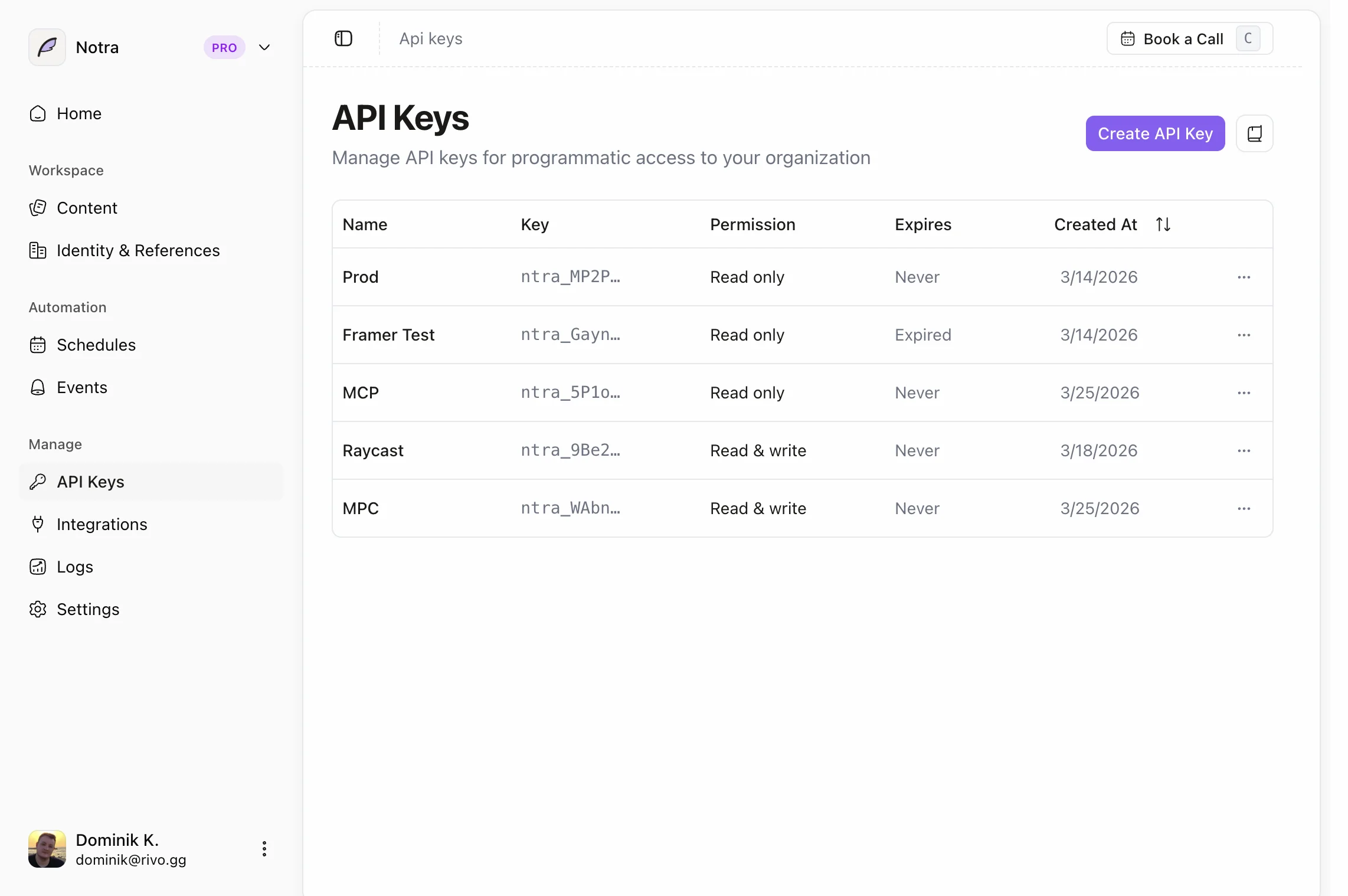
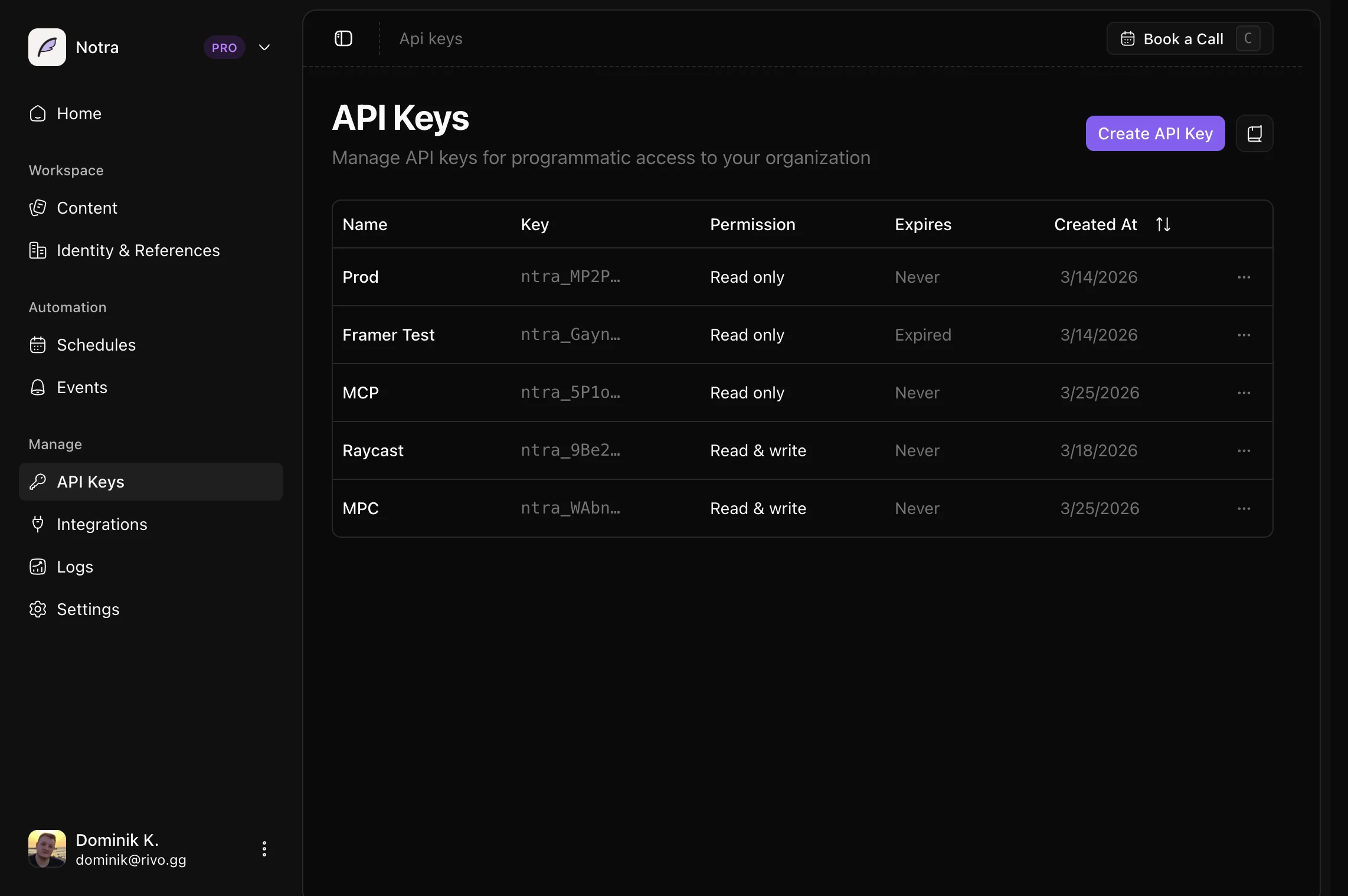
- In Notra, go to Developer > API Keys.
- Create a new API key with Read access for posts.
- Open the Notra plugin in Framer.
- Paste your API key when prompted.
- Browse your posts in the plugin and choose which ones to pull into your Framer site.
Did this work on your setup?
Not rated yet